Do you ever wish there was some way that kids would get excited to practice math and have fun at the same time? Well, using digital Picture Puzzles or Picture Reveal Digital Cards come very close. They are so much fun that students forget they are practicing math.
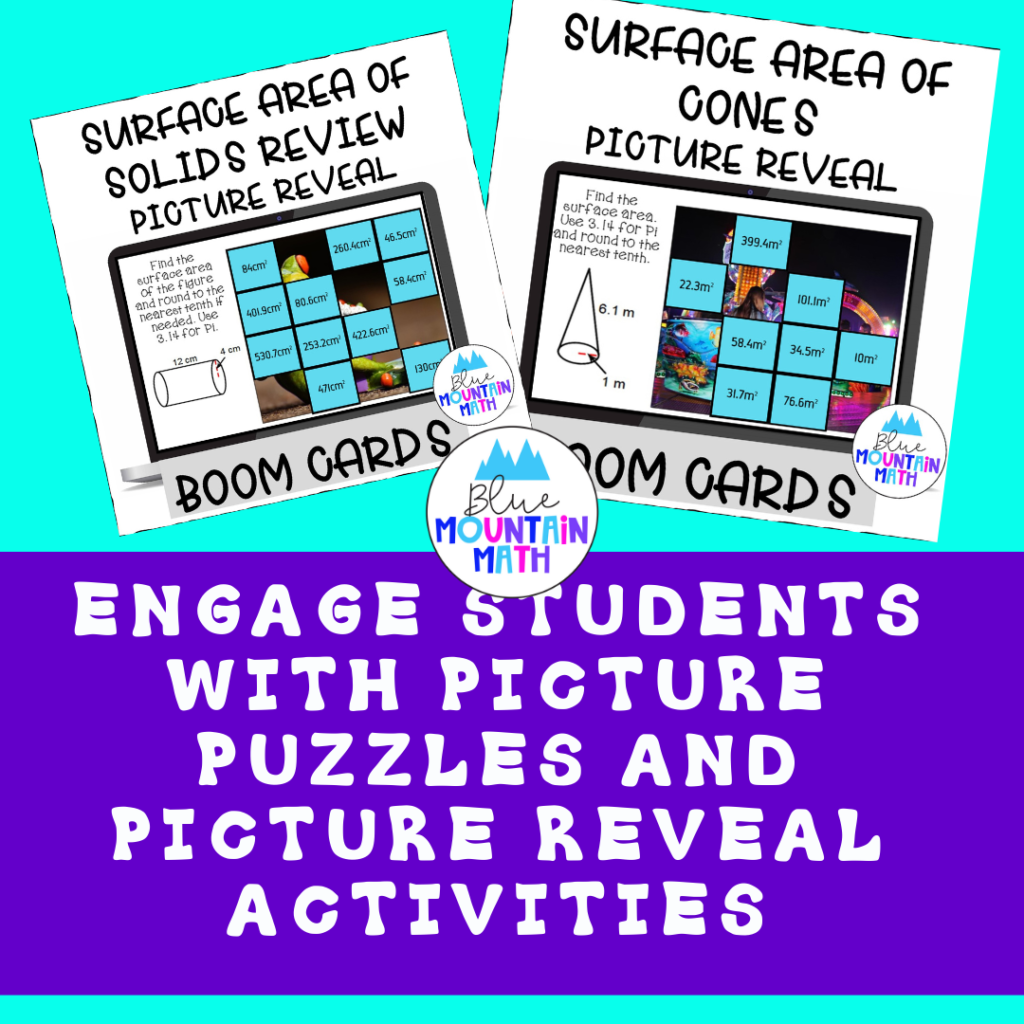
What are Picture Puzzles?
Picture Puzzles are a digital product that uses Google slides. Digital products have been so important during virtual learning. It is difficult to monitor student learning and the old worksheet practice was not working.
How do Picture Puzzles Work?
With picture puzzles, a picture has been cut in 16-20 pieces depending on how many problems there are in the Google slide presentation. Each problem has a piece of the picture/puzzle and the students need to solve the problems, find their answer in the answer slide and paste that picture piece to the space. Solve all the problems correctly and the picture is assembled.
Reasons to Use in the Classroom
1. They are self-checking
If you don’t find a space with the answer you got–try again and check your work. You can also tell if students place the picture in the wrong place.
2. A Google Product
Easy to assign to students using google classroom, Microsoft teams and other platforms. You do not need to pay for another platform, get user names/passwords or set up more routines for students.
3. Needed Practice
I recently read some research that says the average student needs 25-30 times of repetitive practice to master a skill. In the old days we called this drill and kill, and it does kill a lot of motivation. But using a fun activity for practice gives students the practice using what I like to call sneaky math. They are having fun and don’t realize they are improving.
4. Alternative Forms of Review
If you have used one type of activity to practice or learn a skill, you need to mix it up. Students need to see math in a variety of ways to stimulate learning. They need to practice math in new ways to transfer those skills into long term memory. Seeing the same thing in the same way does not promote active learning.
5. Picture Puzzles are Fun
There is nothing wrong with having fun in a math class. In fact, research tells us that most students are anxious about math and learning with fun activities lessens the stress. We cannot learn when we are stressed and worried.
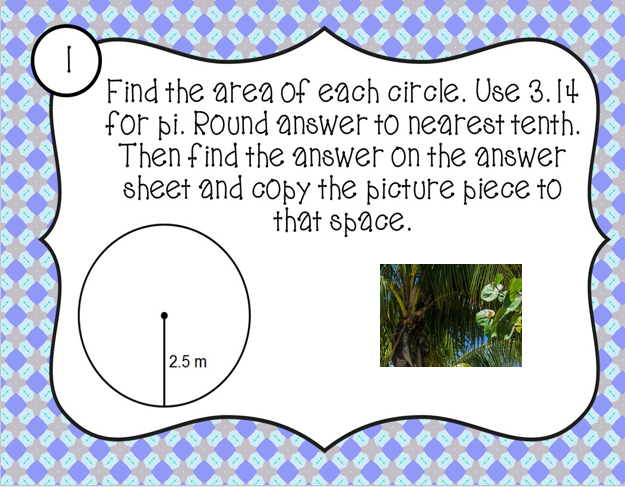
This is a google slide product where students solve the problem, find the answer on the answer sheet and then copy the picture piece to the answer sheet in that spot. When all the problems are solved, a complete picture is revealed.
Currently I have 15 products available and am adding more each week. These have been my go-to activities during the pandemic.
See available resources here. https://www.teacherspayteachers.com/My-Products/Category:451331
Showing Their Work
This has been a big conversation in teacher Facebook groups. How do we keep the kids from cheating and using online programs or apps. Well, we cannot. But we can require work to be shown.
Even in virtual learning I still require students to show work either on paper or the recording sheet. They send me a picture of their work in Google Forms so I can identify misconceptions, and it keeps the students from using online helpers, lol. Even when I use Boom Cards, I ask students to take a screenshot and send me their scores.
Checks for Understanding
Picture Puzzles come with a 4 question Google form quiz to use with students. Google Form checks are great for the classroom. You can change the question, add or delete questions, change the point value. And they are versatile.
I typically only give 2 questions at a time for my students. I want a check, not a test or quiz. So a 4 question Check in Google Forms can be split into two days of checking. Use one for an exit ticket and also as a warm up a few days later.
Picture Reveal Digital Task Cards
I started making Picture Puzzles after making Picture Reveal activities on Boom Cards. They have a similar idea. On boom cards, the first slide has the picture completely covered. As students solve problems correctly, the pictures are revealed one piece at a time.
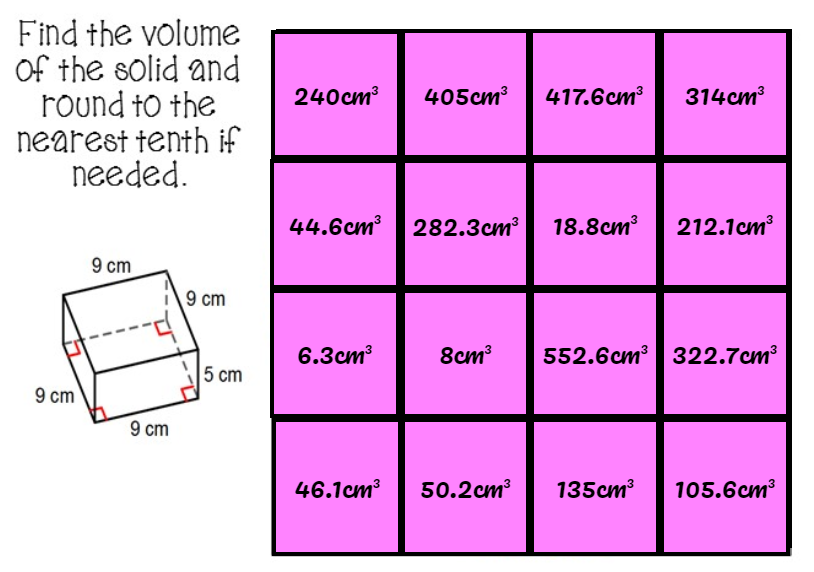
These slides are from the Picture Reveal Volume of Solids Review
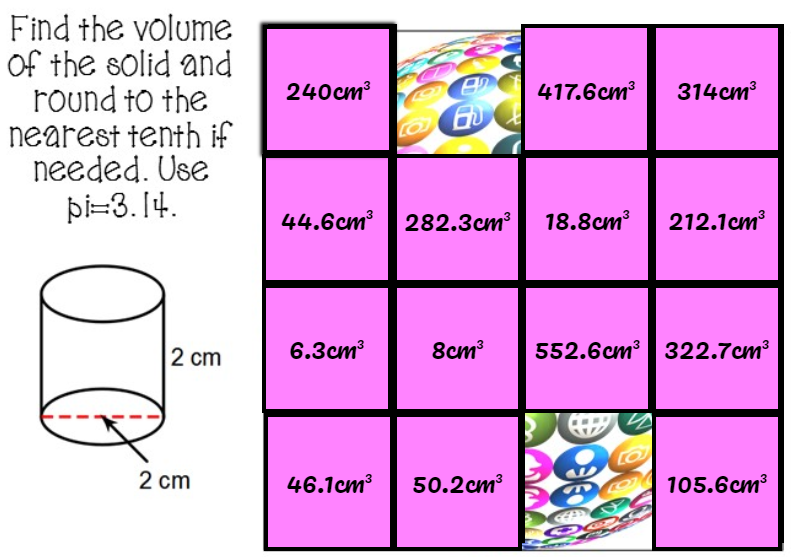
Boom cards are self-grading and if you use a paid account you have the option of tracking student progress. However, I know that many teachers do not want to pay for an account and the free account still allows the use of fast pins, which is what I always use in class anyway.
https://www.teacherspayteachers.com/My-Products/Category:291866
Advantages
As with other types of Boom Cards, students get immediate feedback and they are auto-graded. Since I require students to take a screenshot of their calculations on paper, it doesn’t bother me that students can keep clicking to find the right answer.
If they keep clicking and turn in no work, the assignment is not considered as complete. Even though my school is still teaching virtually, some rules I have kept the same as the classroom.
Disadvantages
One teacher contacted me to say some students continue to click to reveal the picture and aren’t actually doing the work. I suggested turning in calculations. Another teacher suggested that while the Boom Cards are excellent resources and my decks were very well done, students were easier to manage when the number of platforms were reduced to Google.
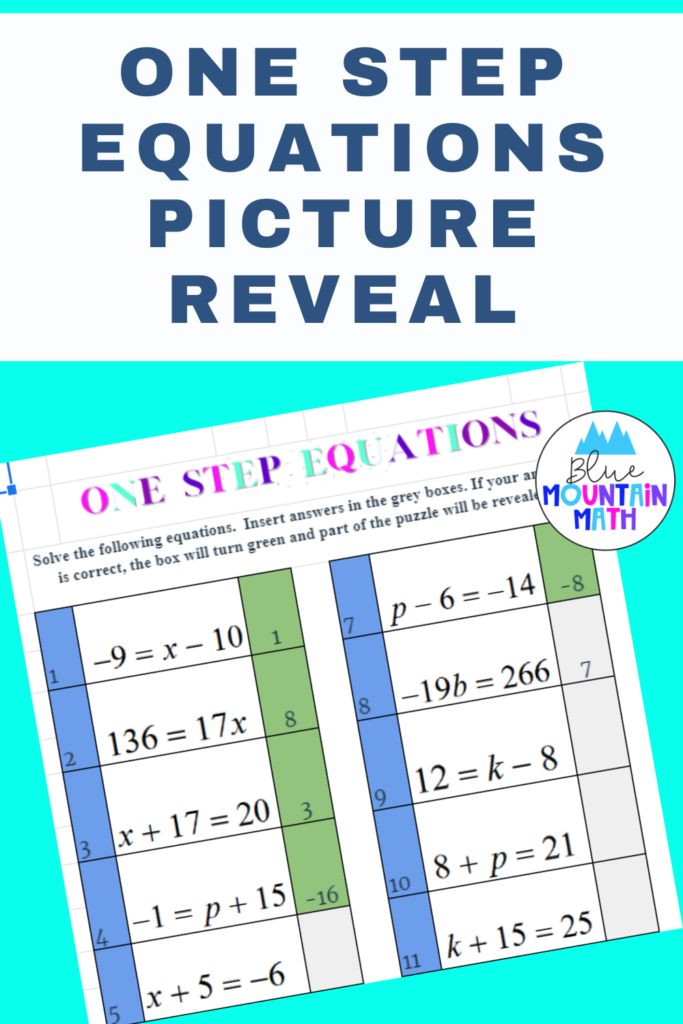
I can see this. I am busy adapting the picture reveal to google sheets to practice math, reveal the picture and YES, show their work. If you would like a sample of my first experimental product, click the picture below. I would love to get some feedback and see what you would suggest.
Send suggestions to bluemountainmath@gmail.com. Thanks for your support.
Leave a Reply