Jamboard is a google product and for a virtual teacher it has added an element of collaboration that I miss in the classroom. Jamboard is an online whiteboard and perfect for small group work.
You can only have a total of 20 slides (boards) so if you have a large class, assign to pairs or groups. I like to have the directions, questions or instructions on the first slide so students can refer if they are confused (or do not remember). This is especially helpful if you have English Language Learners and they need to refer back to directions. I also like to post the group number and names on each board so no one is confused. One student who was especially excited to work on Jamboard visited the other groups and contributed :).
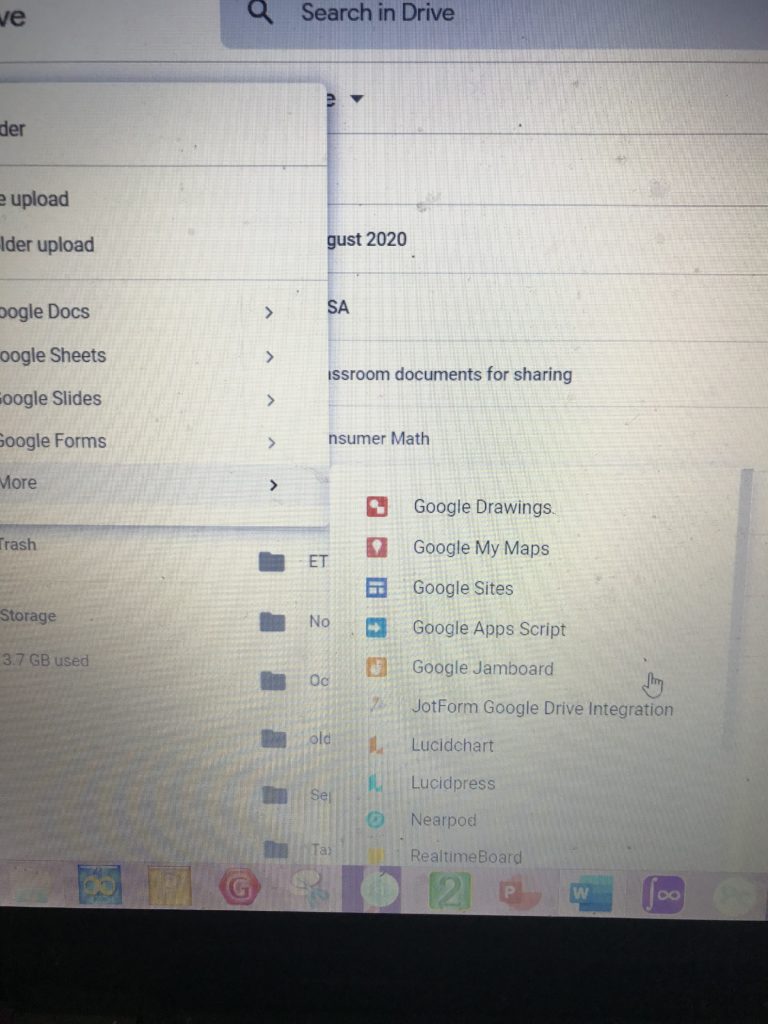
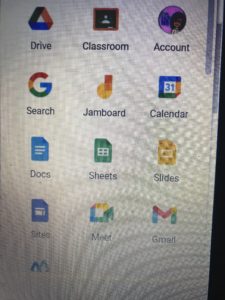
You can find Jamboard in your google drive just like docs, slides and forms. Just keep scrolling. Assign thru google classroom or share a link to students. when you assign to students, make sure they can edit. The Jamboard icon can also be located on your “waffle” at the top right of the screen. It is easy to rearrange these icons and move up so it is on the first few rows.
Ideas to use Jamboard
Vocabulary: Post a word and have student write their own definitions.
Trigger Prior Knowledge: Show students a graph, picture, equation and ask what they remember about it.
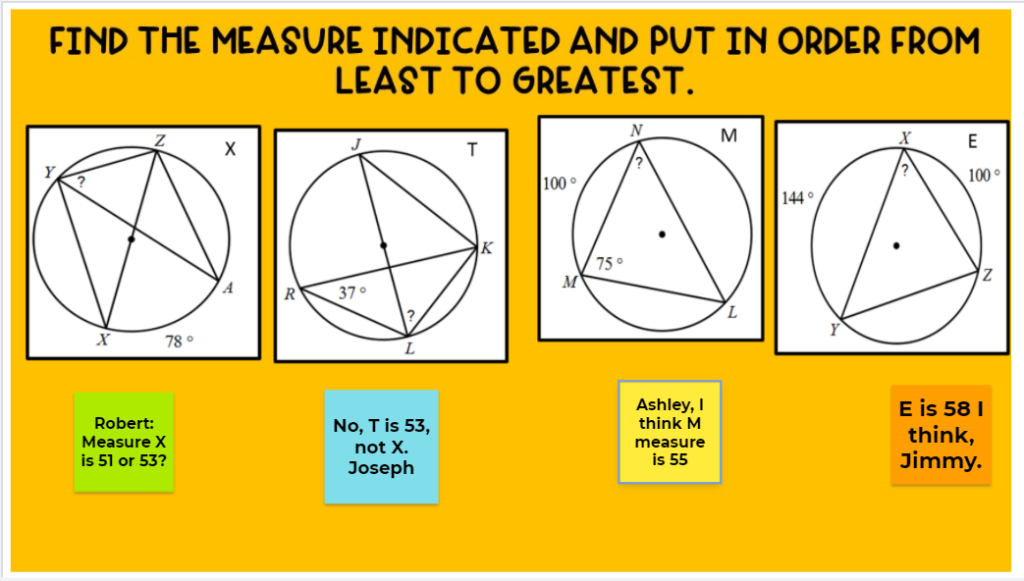
Which One Doesn’t Belong: Post several graphs and ask student which one doesn’t belong and state their reason
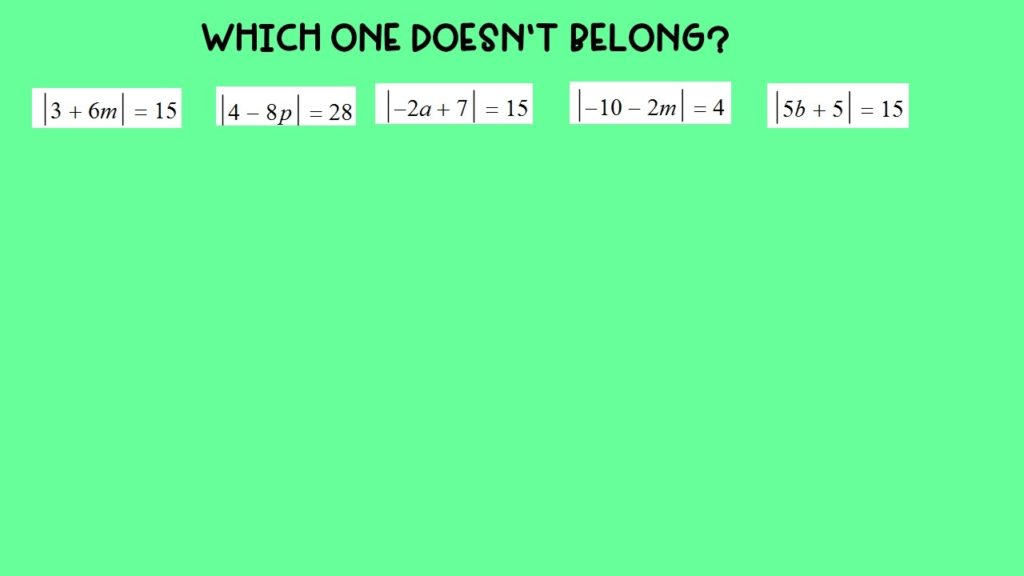
What Do You Notice: Show several types of quadrilaterals and see what properties students notice.
Use as an Introduction: At the beginning of the year, ask students to post a favorite image, their name and a fact about themselves
Clarify Instruction: Post a problem from the previous lesson and ask students to post what they are still confused by.
Graphic Organizer: Post a word, phrase or topic and students work in groups to complete. Example shown below.
Order it up: Give students several problems to solve. Then they need to put in order, either greatest to least or least to greatest.
Make templates in PPT and upload images to Jamboard
Don’t recreate the wheel. Make a Jamboard you like and make a template.
Here is one I made for the graphic organizer. Note: this is the proportion as the widescreen PowerPoint page. So I opened up PowerPoint, created a template I liked and then saved as a jpeg. It also helps if are using other objects on the board–like graphs or equations. They become part of the background and students can’t accidently resize them or delete them (oops). I used this with several theorems to have students show what they know.
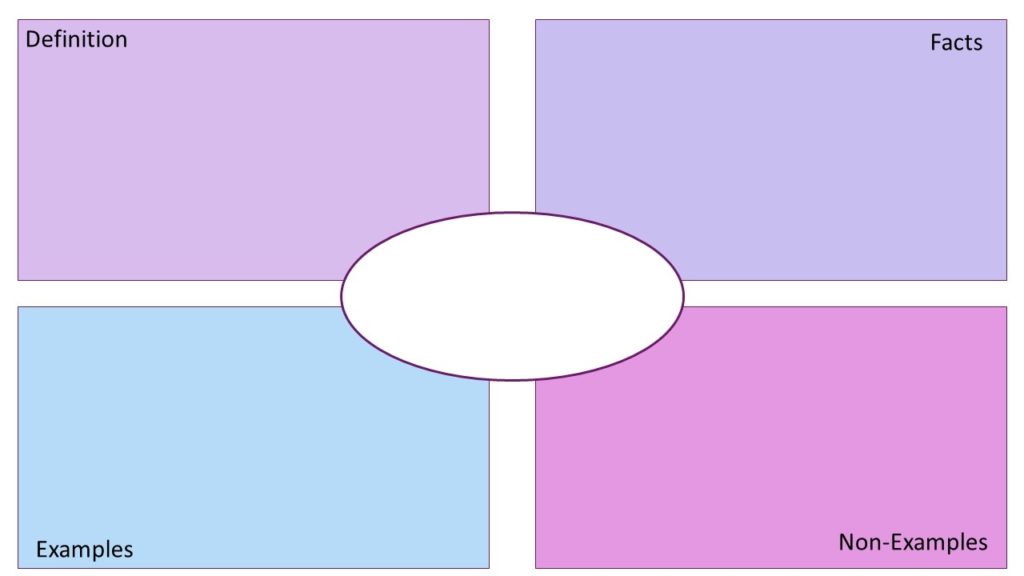
When you are ready, open up Jamboard and upload an image. Students can add a text box and type their answer or they can use the pen tool and try to draw it (easier with an iPad or touchscreen device. I am married to my mouse so I don’t like the pen. But students love adding sticky notes and typing on them.
Student Collaboration
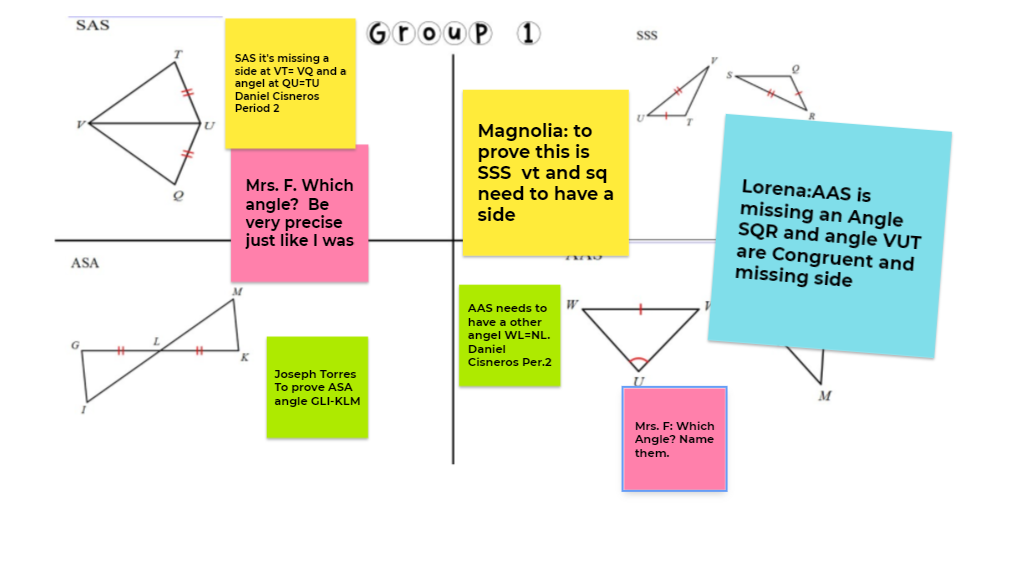
Here is an example from class. I placed students in breakout groups and each group was assigned a slide. I posted congruent figures and asked students to prove by a specific congruence theorem, what more information was needed.
Watch as They Are Working
One feature I especially like is the ability to see what they are doing and to ask questions as they were working. This helped me note which groups were struggling and add some sticky notes of my own to help them get started.
Order It Up
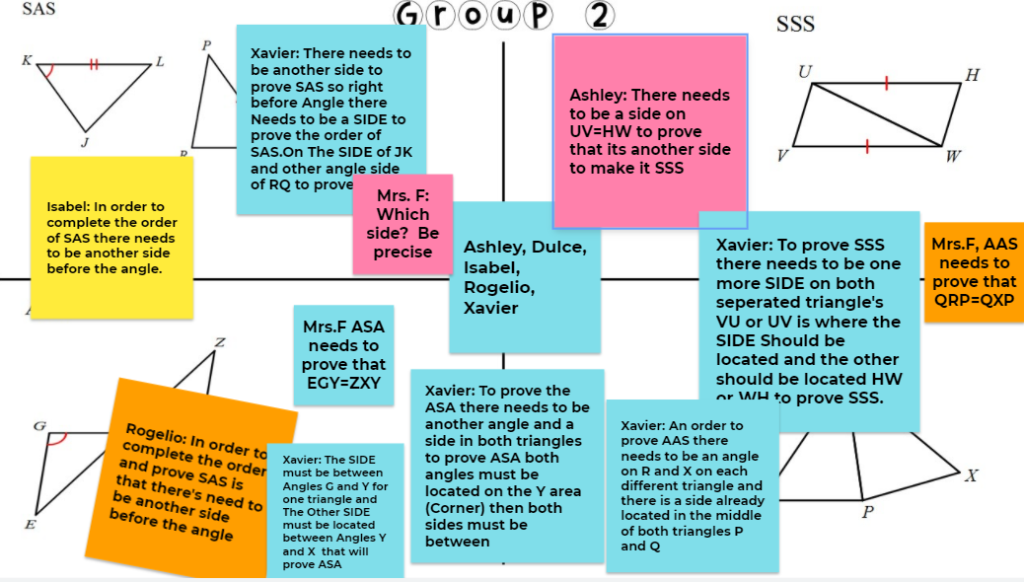
Order it up and Which one doesn’t belong are two of my favorites. They both require math skills, and if a student is struggling, they can get help with collaboration. I set the rule that everyone in the group needs to have sticky note on the slide. Then, for order it up, they rearrange the pictures in the correct order. In this case, the background is a picture and add the problems as pictures as well, not part of the background. This way they can be moved.
Which One Doesn’t Belong
Which one doesn’t belong requires the same skills. For both these Jamboards, I use strategy when forming the groups and make sure one group does not have all the struggling students. Students are expected to say which one does not belong and to give a reason as well.
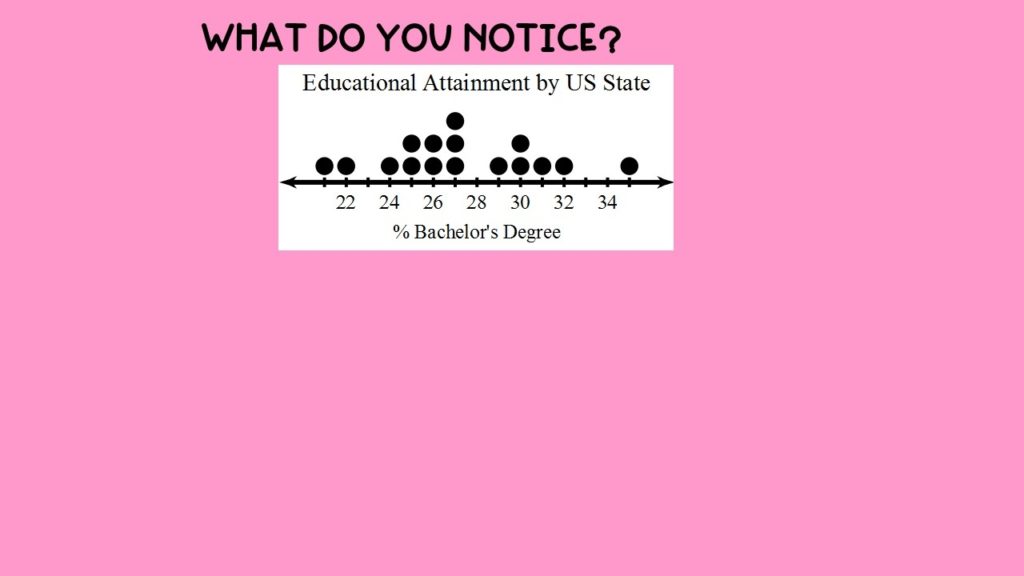
What Do You Notice
What I truly love about What do you Notice is that students always notice something that I did not expect. I truly cannot predict what they will all say. I used to do this activity in padlet for the whole class, but found using Jamboard more effective. With the whole class, struggling students often just copy from another student. In groups, it is harder to just copy, and I keep my eye on them as they work and suggest they look again and be original.
Jamboard is a great collaborative tool for observing students as they work and also observing their thinking. Teachers can add encouragement as they work, offer ideas, reminders, and keep the conversations going as groups work. My colleagues use Jamboard to have students individually work as well. They have 2 students share a screen, add a problem and everyone works on their own.
If you have a large class, you can open two Jamboards and assigned the first to half the class while the rest of the class gets the second. This way all students can have their own slide. I have used this at the beginning of the year as a Introduction. I have also used it to survey students. Questions such as “What lesson last week still has you confused?” Students will let you know how you can help them.
Have you used Jamboard? Give it a try during your next class and shake up your routine.
Leave a Reply