They year is coming to an end, but most students will be in a math class next year. At this time of the year we are always thinking in terms of being done, but students are never really finished and one good use of extra time at the end of the year is to review some basic skills that they can take with them into the next class.
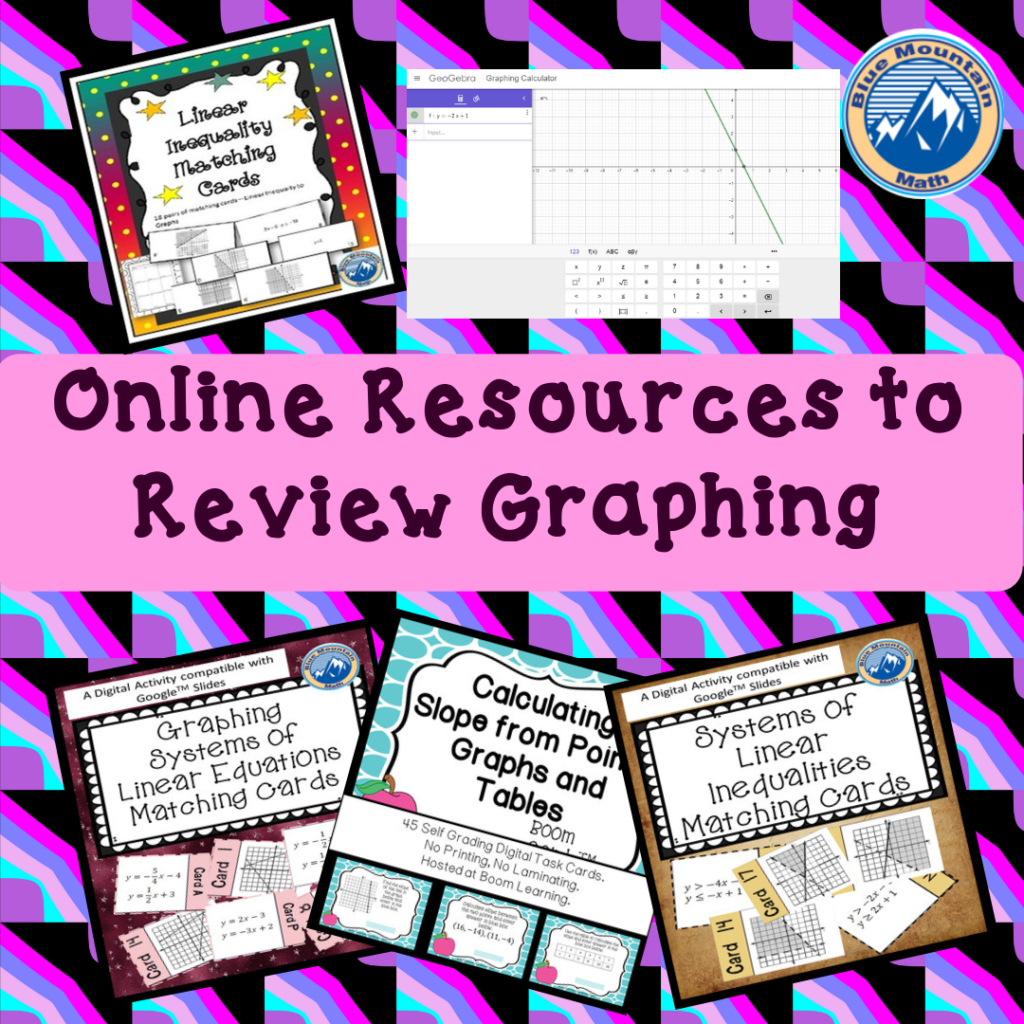
Review Graphing Often
As the semester winds down, if you have time to review some basic skills for the next class whether that is Algebra, Geometry or Integrated Math, students can always use a review of graphing. Specifically, students need to review graphing and writing equations in both slope-intercept form, standard form.
Teaching Geometry it is apparent just how much students need to have more practice in writing equations and graphing. They cannot understand transformations in the coordinate plane unless they actually know the coordinate plane.
Repeated Graphing Practice is Necessary
Students have had years of graphing practice, but it is never enough. It is one of those critical skills they will use again and again. When I taught 7th grade, we did a variety of activities that were fun but also required graphing practice.
Part of the confusion is that students do not recognize an ordered pair as a location on the plane, and when they are plotting they want to separately plot the x value on the x-axis and the y value on the y-axis.
More Analysis and Less Drawing
I have always believed that students get distracted by all the prep work that comes with graphing: drawing the coordinate plane, labeling the parts, numbering the axis. To eliminate the distraction, I give them pre-drawn and numbered coordinate planes. I am also using a lot more online activities to practice graphing, identifying points and drawing lines. Depending on your need, there are a wide range on free online activities to practice.
Basic Online Programs
At the simplest level, give students a worksheet with something to graph and have them use either Desmos or Geogebra to graph. Both require a little practice, but both are a good basic start for students.


If you just want to avoid graph paper and have a worksheet of lines for students to graph, either GeoGebra or Demos will fit nicely. Both programs are free and when loaded will start with the coordinate plane and a place to enter an equation. Either would be an excellent choice to have students get familiar with identifying slope from a graph, look at intercepts, or even look at solutions to systems. It lessens the stress of students graphing and a teacher can address
Practice with Slope/Lines
If you are looking for a way for students to look at slope specifically or graphing lines there are several programs which give students an understanding of slope and the relationship between slope and intercepts.
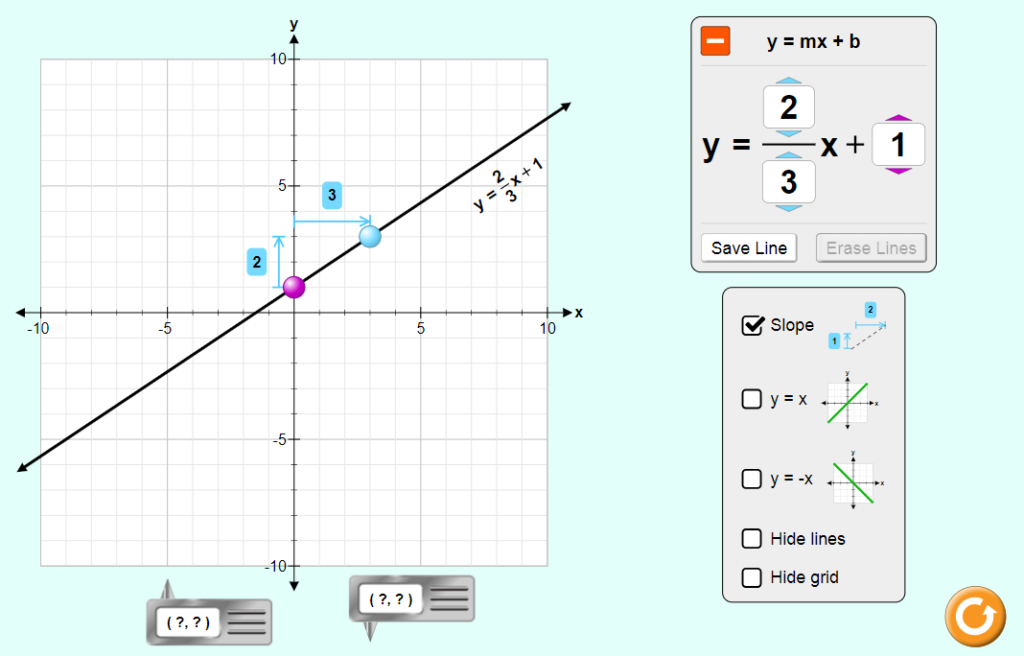
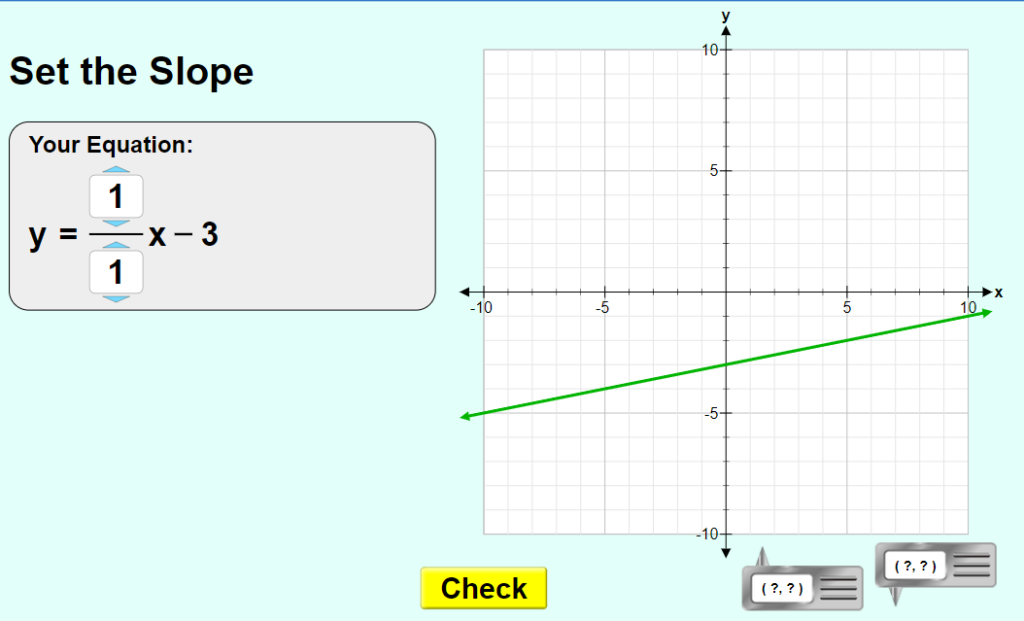
Use Online Tools for Feedback
If you only have a few chrome books, set them up as a center and have students check their graphing with online tools. It is much more effective to have students compare their work to another and fix any problems than to just hear “it isn’t right”.
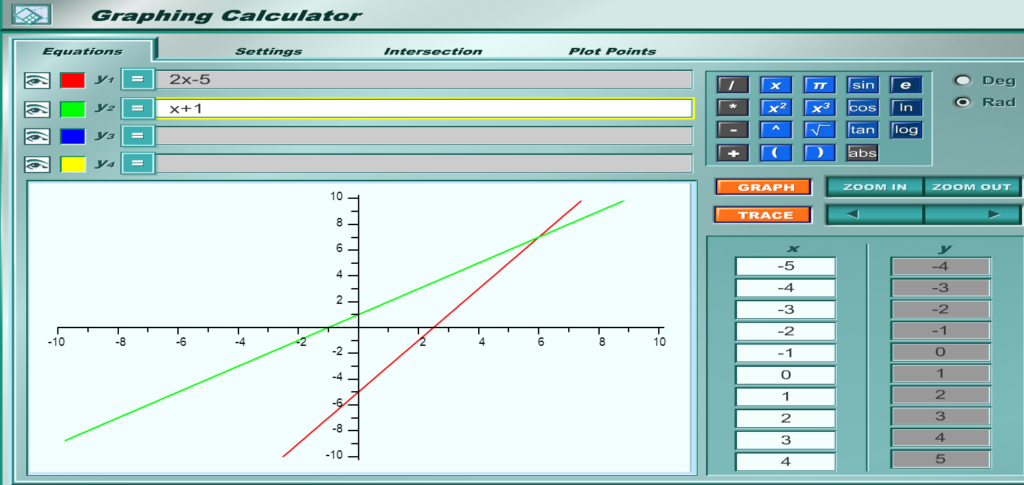
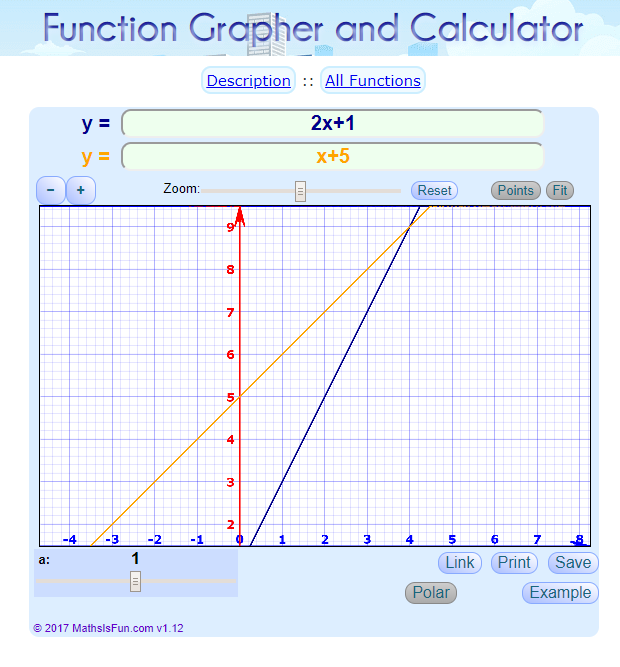
Either of these programs above
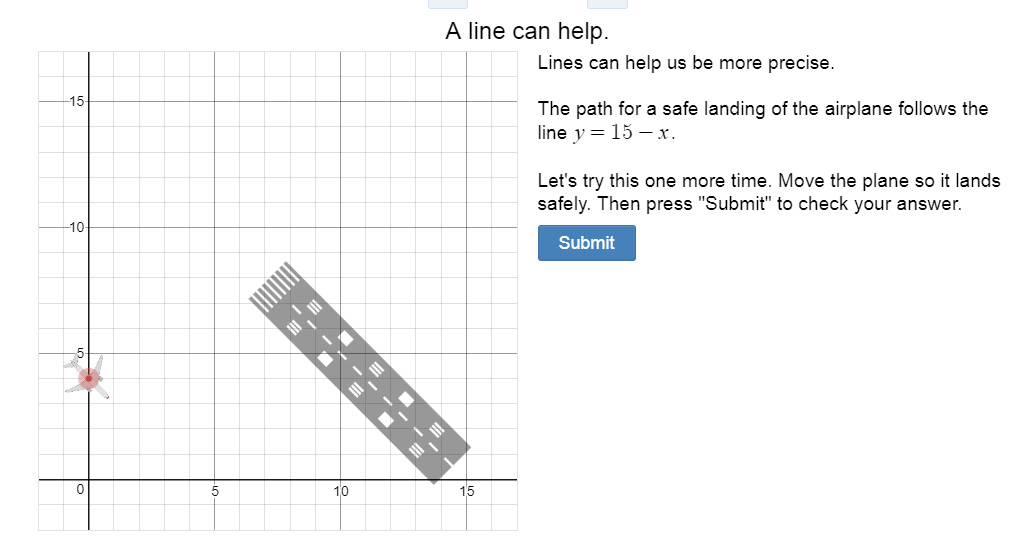
If you are looking for more structured practice, try the “Land the Plane” activity from teacher.desmos. Yes, it is the same great Desmos site and still free, but in this section, there are activities created for different math concepts. One of my favorite is Land the Plane. Students have to write equations to land the plane safely. It is very visual for students and a concept they are familiar with. There are many great
Google Resources
If you are looking for more resources, perhaps to use with google, check these out.
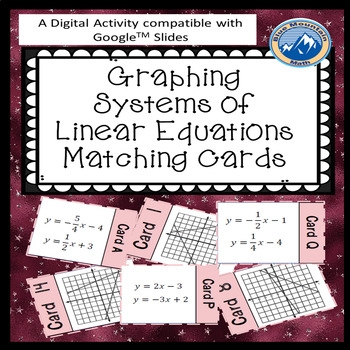
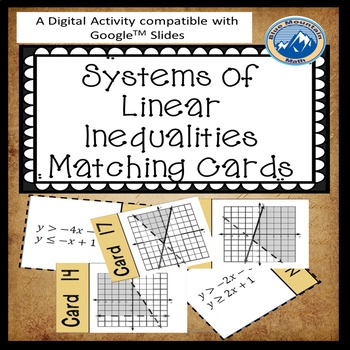
Until next week, practice some graphing and try something new. If you have any comments or if I can be of service to you please contact me at bluemountainmath@gmail.com or drop a comment below.

Leave a Reply